

How to Score a Travel Montage With Flow Music AI
To score a travel montage with Flow Music AI, generate an instrumental with a clear musical lift, then line up that lift with the trip’s strongest shot in your video editor. That one alignment gives you a reason to pick a particular track and a reference point for the rest of the edit.
Pick the moment the music should support
Imagine a short mountain travel montage that starts on a misty train window, cuts to footsteps on a trail, and opens onto a wide ridge. Keep the point where the ridge first fills the frame as your main marker. If you already built the edit around that reveal, mark it in the sequence before auditioning music.
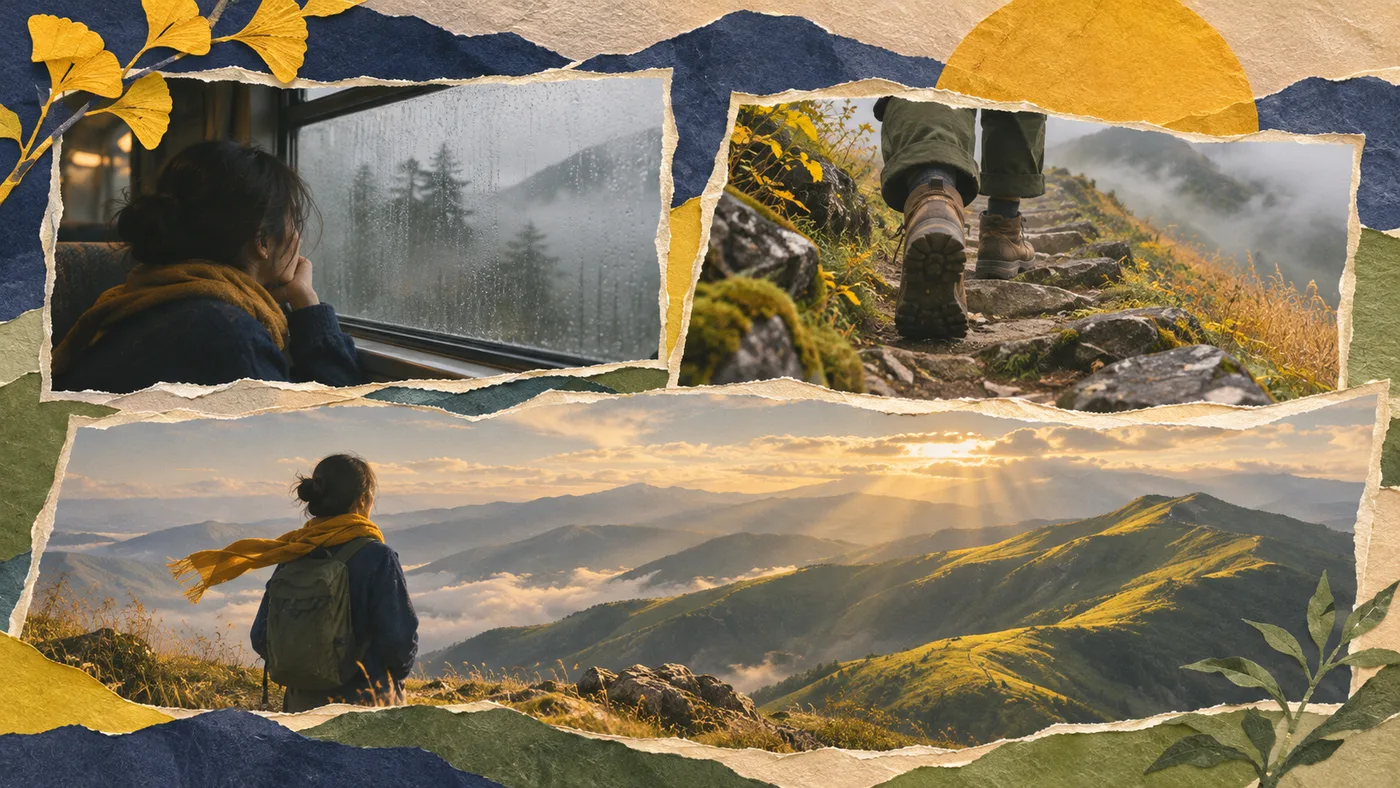
Think about what would count as a musical lift at that moment. A new chord or a wider string sound can work as well as a drum hit. Leave the smaller cuts flexible so the train shot can breathe and a good footstep can stay audible.
Generate a cue with a useful change in texture
Open the Flow Music AI music generator, select Simple, and turn on Instrumental. Ask for a musical contrast you can recognize when you listen.
Instrumental for a mountain rail trip and hiking montage. Begin with soft fingerpicked guitar and a light pulse. Introduce a clear, warm chord change with wider strings for the first view of the ridge. Hold the expanded texture for a few beats, with room for footsteps and wind. Keep percussion light.
When checked on November 16, 2026, the default V5 configuration showed 10 Required Credits. Preview the candidate before paying for another request. A track may have a useful change later in the file, so listen beyond the intro. The prompt gives a direction for the arrangement. The video editor sets where the musical event lands. For ideas on the mood and instrumentation, see the background music prompt examples.
Align the musical lift with the reveal
Download the selected track and place it on its own audio track. Listen for the start of the lift and mark it on the source clip. In Premiere, you can add a clip marker in the Source Monitor. The audio waveform can help you locate a sharp attack. For a gradual chord change, choose the point where you first hear the new harmony.
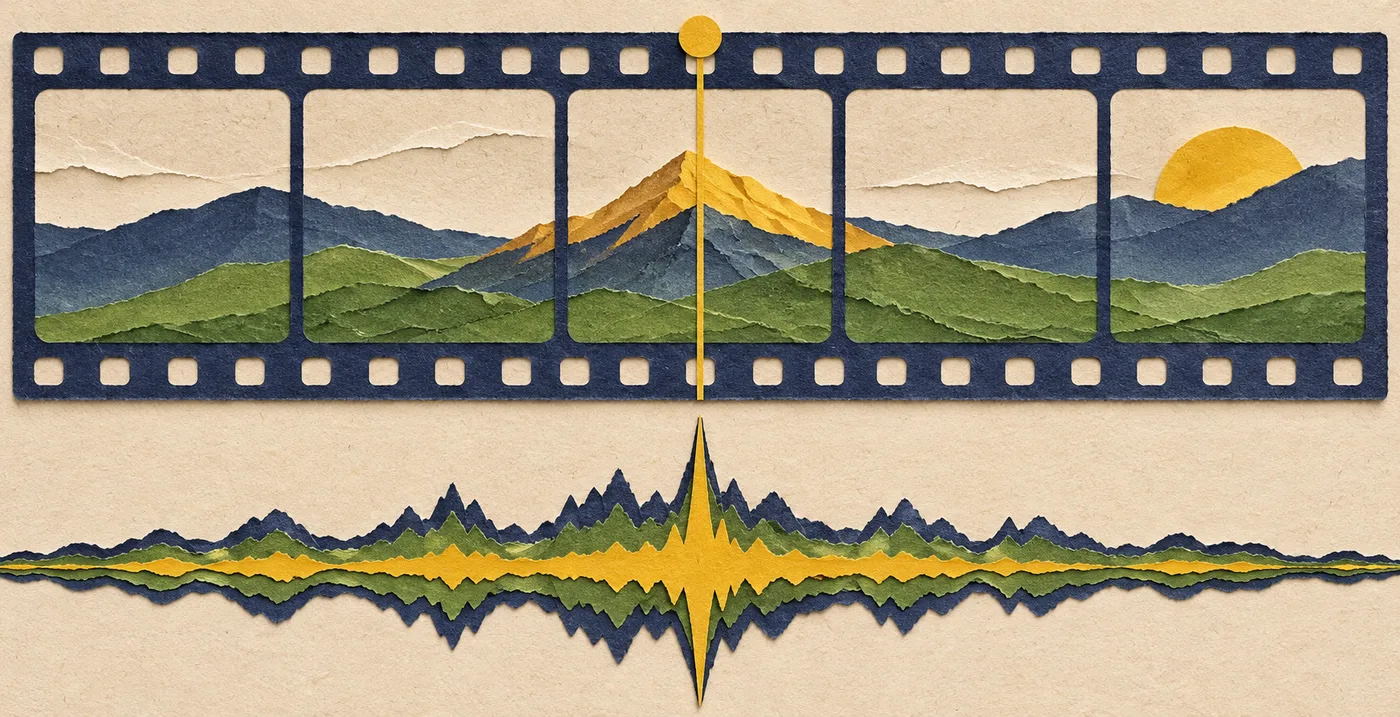
Here is an example in seconds. The picture reveal is at 0:18 in the montage, and you hear a useful chord change at 0:24 in the source track. Starting with the full music clip at the beginning of the sequence puts that chord six seconds late. Trim away the first six seconds of the source and put the resulting clip at the beginning of the sequence. The chord now lands at 0:18. Listen to the new opening too. If it starts mid-phrase, try a short fade, use a little location sound at the start, or choose a different lift with enough usable lead-in.
For a locked picture cut, move the music. If the picture is flexible and the musical lead-in works as it is, try moving the reveal a few frames. If neither placement gives you a good opening and reveal, audition a different part or another track.
Check the moment in the exported video
Play from the train shot through the ridge reveal. Make sure the footstep and wind still have a place in the mix, and that the music does not peak before the picture shows why. Then review the export on the device your audience is likely to use. A smaller speaker can make the change harder to hear, especially if the lift depends on bass alone.

The mountain sequence and its timecodes are an editing example. Generator settings and Adobe documentation were checked November 16, 2026. For sponsored or client work, confirm your plan’s license and review the Flow Music AI terms.