

5 AI Music Prompts for Background Music in Flow Music AI
Useful AI music prompts describe what the track should do in a scene, as well as how it should sound. For background music, start with the purpose, genre, mood, instruments, energy, and vocal preference. Then judge the result alongside the speech or footage it needs to support.
In Flow Music AI’s music generator, you can enter a short brief in Simple and turn Instrumental on for a track without intended singing. The five examples below are original starting points for narration, travel footage, product videos, cooking, and focused work. They are suggested inputs, not audio samples or claims of tested output quality.
Write a brief around the scene
“Make good background music” leaves most of the decision to the generator. A more useful brief explains the job: a quiet interview needs a different arrangement from a fast cooking montage.
Use this checklist to build a prompt:
- Purpose: What will play over the music: speech, close-up footage, a montage, or nothing?
- Genre and mood: Choose a clear starting point, such as warm acoustic folk or restrained electronic music.
- Instruments: Name two or three sounds that should carry the arrangement.
- Energy and density: Describe the movement and how much musical activity the scene can accommodate.
- Vocals: Decide whether the track needs singing or should be instrumental.
- Shape: If useful, request a gentle opening, steady middle, or understated ending.
For example, “warm electronic underscore for a spoken product walkthrough, soft synth pads, muted percussion, steady low energy, sparse melody, instrumental” gives you something specific to evaluate. If the result is too busy, you can change the percussion or melody request while keeping the rest stable.
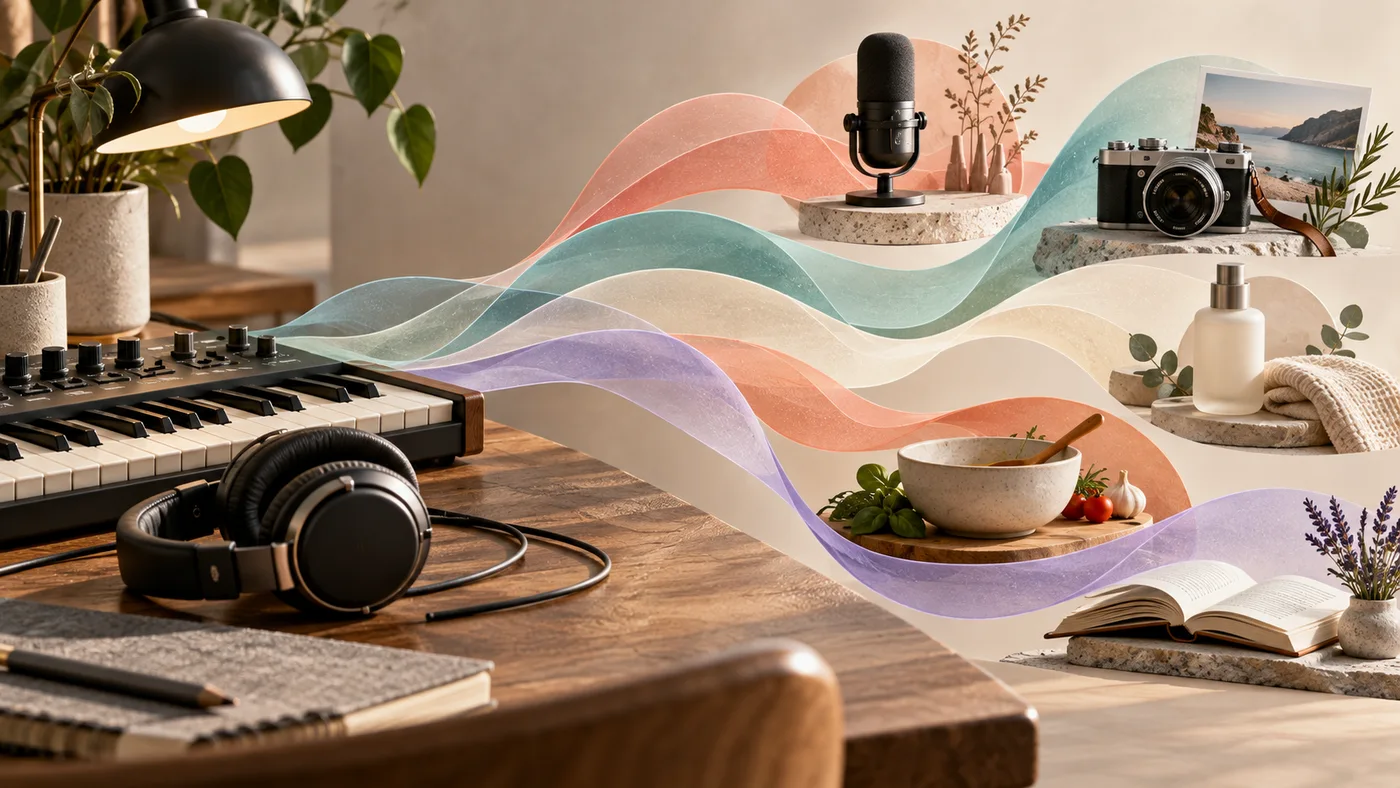
Concept illustration: one background-music brief can be adapted to different creative tasks. This is not a software interface or an audio test result.
1. A podcast introduction that leaves room for a voice
For a spoken introduction, start with a modest arrangement. A memorable tune can be useful before the host begins, but an active lead part may compete with the first sentence.
Prompt to adapt:
Warm instrumental podcast intro, mellow electric piano, soft bass and light brushed percussion. Welcoming, thoughtful mood, moderate pace, sparse melody. Leave space for a clear speaking voice, with a gentle opening and an understated ending.
Replace “thoughtful” with the tone of your show: playful, investigative, calm, or energetic. Keep the instrument list short for the first version. Adding a guitar solo, large string section, and bright synth lead at once makes it harder to find out which part helps the introduction.
Listen for: whether you can follow the host’s first sentence without concentrating. If the melody keeps attracting your attention, ask for less lead melody and fewer fills. If the arrangement works but is too loud, try a lower music level in your audio editor before spending credits on another generation.
2. A travel montage with movement and a clear mood
Travel footage often benefits from a musical direction more specific than “cinematic.” Decide whether the sequence feels unhurried, adventurous, intimate, or celebratory.
Prompt to adapt:
Instrumental indie-folk soundtrack for a relaxed coastal travel montage. Fingerpicked acoustic guitar, warm bass and light hand percussion. Optimistic but unhurried, a steady pulse, a gradual lift in the middle, and a soft ending. No singing.
For city footage, you could keep the mood and replace the acoustic guitar with soft synthesizers and muted electronic drums. That changes the sound palette without changing every part of the brief.
Listen for: whether the pulse suits the pace of your cuts and whether any large musical change arrives at an awkward moment. A request for a “gradual lift” does not guarantee that it will happen at a particular timestamp. Choose a useful section after generation and trim the footage or music in your video editor.
3. A product walkthrough that supports the explanation
The sound for a close-up beauty product reveal may not suit a narrated software demonstration. Begin with what the audience needs to notice: a texture, a feature, a transformation, or a spoken explanation.
Prompt to adapt:
Restrained electronic instrumental for a narrated product walkthrough. Warm synth pads, rounded bass, soft clicks and minimal percussion. Clean, reassuring mood, steady low energy, sparse lead notes, no dramatic drops. Keep the arrangement supportive of speech.
For a product reveal without narration, you can request a slightly stronger motif or a gentle build. For an explanatory video, retain space around the voice instead of asking every instrument to sound prominent.
Listen for: percussion or bright notes that draw attention away from the explanation. If the track feels empty, add one musical element before increasing the whole arrangement’s energy. “A quiet repeating keyboard motif” is a more focused revision than “make it more professional.”
4. A cooking video that feels light and rhythmic
A cooking montage can use a playful rhythm, while a detailed spoken recipe may need a quieter backing. Choose which version you are making before generating.
Prompt to adapt:
Light instrumental groove for a cheerful home-cooking montage. Plucked guitar, soft electric bass and small hand percussion. Playful, warm and relaxed, with a clear repeating rhythm, modest energy and a tidy ending. No vocals or large dramatic changes.
For a narrated recipe, change “clear repeating rhythm” to “gentle background pulse” and request fewer percussion fills. Leave room for the presenter and for useful kitchen sounds.
Listen for: whether the music makes the sequence feel rushed. If the footage is slow and careful, reducing the perceived energy may help more than adding a specific numerical tempo. A tempo in a prompt is direction; check the actual result before relying on it for synchronized cuts.
5. A focused-work track with fewer interruptions
For study or desk work, a practical first brief is a consistent arrangement that does not repeatedly demand attention. Define the texture you want rather than asking for a medical or productivity outcome.
Prompt to adapt:
Quiet ambient instrumental for reading and desk work. Soft sustained synth pads, occasional gentle piano notes and a subtle low pulse. Calm, spacious and consistent, with sparse changes, no strong lead melody and no dramatic build. No singing or spoken words.
If it feels too static, try a soft repeating piano figure. If individual notes keep distracting you, remove the piano and retain the pad texture. Listen to a representative section during the task rather than choosing only from the opening seconds.
Listen for: unexpected loud sections, vocal-like sounds, or changes that break the intended atmosphere. Do not assume an instrumental request guarantees that every result will be free of human-like sounds; inspect what you receive.
Use the examples in Flow Music AI
Open the music creation workspace, choose Simple, and paste one example into Describe your music. Turn Instrumental on for these backing-track examples. The Simple field currently allows 500 characters, so keep the brief focused and use its visible counter.
If you prefer to name the track and keep a separate style brief, choose Custom. Enter a title and place the musical direction in Styles, with Instrumental enabled. The current application permits a Custom instrumental request with a title and style without requiring lyrics. Do not add dummy verses merely to fill the Lyrics field. Check the active controls and counters if you change models.
Before generating, confirm the displayed Required Credits and your available balance. The workspace checked on October 31, 2026 shows 10 credits per request. At that unchanged rate, budgeting for one first version and two revisions would mean 30 credits. That is a request budget, not a guarantee of usable results. Review the current plans when you need more credits.
The workspace offers an MP3 download action for returned tracks. Download a candidate and audition it inside your actual project. Trimming, fades, voice-to-music balance, and exact synchronization are finishing decisions to make in your audio or video editor.
Revise the part that interferes with the scene
Save the original prompt and change one main thing before requesting another version:
| What is wrong? | A focused revision |
|---|---|
| The music distracts from speech | Ask for a sparser melody and fewer fills; first check whether lowering the level is enough. |
| The scene feels rushed | Request a gentler pulse and less rhythmic activity. |
| The track feels flat | Add one restrained motif or a modest lift, keeping the rest of the brief. |
| The sound is cluttered | Remove an instrument instead of adding more adjectives. |
| The ending does not fit the edit | Look for a usable section and apply a fade in your editor, or request a more understated ending. |
Choose the candidate that serves your scene. A track can be pleasant on its own and still be too prominent under an explanation. Keep the prompt, downloaded file, and a short note about where it works so you can reuse the direction later.
If your project needs words sung rather than a backing track, follow the separate lyrics-to-song tutorial. For background music, start with one of the briefs above, keep the instrumental setting consistent, and make the next change after hearing it in context.
Controls, input limits, request cost, and download path checked against Flow Music AI’s live workspace and current application on October 31, 2026. These are prompt suggestions; no generated-audio benchmark is claimed.