

How to Build a Reusable Music Style Brief in Flow Music AI
A reusable music style brief gives each track in a video series the same starting direction. In Flow Music AI, save a short description of the instruments, pulse, mood and musical density you want, paste it into Styles for each Custom request, and add one sentence about the current scene.
The goal is a recognizable family of tracks. Reusing text can guide the arrangement, but separate generations may produce different melodies, harmonies, tempos and instrument sounds. Listen to the finished tracks together before treating them as a coherent set.
Define the sound of one small series
For this example, imagine Clay Notes: three short videos from a ceramics studio, showing shaping, glazing and the finished bowl. The music should feel handmade and calm, with enough space for the maker's explanation.
Write down four decisions before generating:
| Decision | Clay Notes example |
|---|---|
| Main instrument | Fingerpicked nylon-string guitar |
| Supporting palette | Warm upright bass and soft brushed percussion |
| Energy | A gentle, steady pulse with restrained dynamics |
| Role in the video | Support narration, with no prominent lead solo |
These choices describe things you can listen for. “Beautiful, professional, cinematic and emotional” gives you fewer concrete checks when one candidate sounds unrelated to the others.

Concept illustration of a shared musical palette; it is not a saved preset or a Flow Music AI interface.
Save a core brief you can paste unchanged
Here is an original starting brief for the ceramics series:
Instrumental acoustic folk, fingerpicked nylon-string guitar, warm upright bass, soft brushed percussion. Gentle steady pulse, intimate small-room sound, restrained dynamics and plenty of space for narration. No sung or spoken voice; no prominent lead solo.
Save it in a project note under Clay Notes — core brief v1. Keep the model choice and a short description of your intended use beside it. The note is a working reference you maintain yourself.
Open Custom in the generator, enable Instrumental, enter a working title, and paste the core brief into Styles. For this instrumental workflow, the style description carries the musical direction. If you need help choosing the starting mode, see the Simple and Custom guide.
The default V5 form checked for this guide allows 1,000 characters in Styles. A concise brief leaves room for the scene-specific sentence. Read the counter in your current model rather than filling the available space with more adjectives.
Add one scene cue while keeping the core
Give each request a clear title and append one instruction that reflects the video. These are planned inputs, not recorded test results:
| Working title | Sentence to add after the core brief |
|---|---|
| Clay Notes — Shaping | Keep a calm, continuous rhythm beneath the wheel-shaping explanation. |
| Clay Notes — Glazing | Use light, patient phrasing with space around the brushwork demonstration. |
| Clay Notes — Reveal | Add a gentle sense of arrival for the finished bowl, with an understated ending. |
Keep the shared instrument palette and mood in all three. A sudden request for a huge orchestral build would give the series a different direction; use a small change in phrasing or energy when that is enough for the scene.

Concept illustration of three related video scenes, not evidence of matching generated tracks.
A phrase such as “gentle sense of arrival” communicates intent. It does not place a musical change at an exact video timestamp. If the edit needs a precise cue, select and trim a suitable passage after downloading; the travel montage music guide explains matching a musical moment to a picture edit.
Approve one useful track before expanding the set
Start with the shaping video. Listen for the guitar, the soft supporting instruments and the space around narration. If those are wrong, revise the core brief before using it for the other scenes.
The current form displays 10 credits per generation request. Three requests at an unchanged rate would use 30 credits, without guaranteeing three suitable tracks. Review the live cost and your balance before each attempt; the generation budget guide can help you set a retry limit.
When the first track is useful, save its original download and the exact input that produced it. Then generate the next scene using the same core. Keep a short note about any extra cue so you can understand why the tracks differ later.
Review the series as a series
Play a representative passage from each track at similar listening levels. Then place them under their actual videos. Check whether the main instrument, sense of pace and amount of musical activity still belong to the same project.
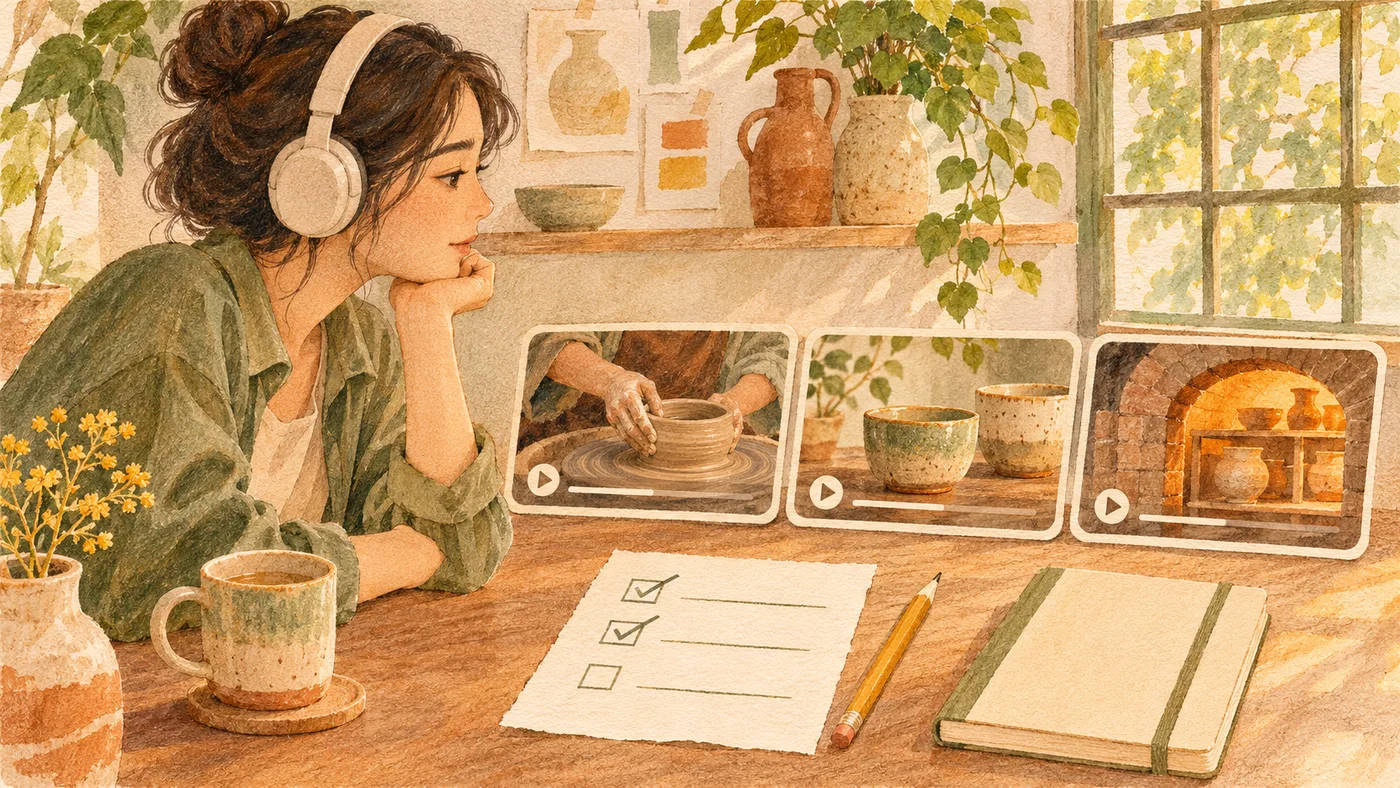
Concept illustration of reviewing the set; the checklist contains no measured ratings.
If one track has a busy lead melody, revise that track's cue toward fewer melodic fills while preserving the core. If every track feels too busy under speech, revise the core for future requests and keep the previous version in your notes. A change to the saved text does not alter audio you already generated.
The song version comparison guide offers a more detailed listening method when you have two candidates for the same scene. For this series, the final question is whether all three videos feel related while each still serves its own material.
Keep the brief and selected files together
Use a small project folder containing the core brief, scene cues, selected audio and a decision note. Give a revised brief a new version name and record what changed. The MP3 download guide covers checking your saved copies.
Before public or paid use, review the current terms, the permissions for your plan and the destination's requirements.
Build the first brief around a few audible choices, approve one useful track, then carry that direction into the next scene. The reusable asset is a clear musical brief that you can inspect and revise.
Published by Flow Music AI. Product controls, field limits, request cost and linked sources checked November 24, 2026. The briefs are original suggested inputs. No audio generation or consistency benchmark was performed.