

Flow Music AI vs YouTube Audio Library for Video Music
Choose YouTube Audio Library when you want to audition an existing track and keep the music search separate from song creation. Choose Flow Music AI when you have a particular musical brief, want to explore a new direction, and can allow time and credits for generation and review.
Both can be useful starting points for a video soundtrack. The difference is where you make the creative decision: selecting a recording you can already hear, or describing music that still needs to be generated.
This comparison is published by Flow Music AI and focuses on music for edited videos. It uses the live Flow Music AI generator and YouTube's official documentation, checked on November 5, 2026. It is a workflow comparison, not an audio-quality, generation-speed, or copyright-claim test.
The short comparison
| Decision | Flow Music AI | YouTube Audio Library |
|---|---|---|
| Starting material | A text description, or prepared lyrics and a style brief | Existing recordings to browse and preview |
| Main advantage | You can request a musical direction instead of finding a close catalog match | You can hear a candidate before choosing it |
| Main tradeoff | The result needs listening and may require another request | Your selection depends on what is available in the collection |
| Cost approach | The generator currently displays 10 credits per request; check your balance and current plan | YouTube describes Audio Library music and effects as free of charge |
| Best starting situation | You can describe the sound you want and have room to experiment | A suitable existing cue would complete the edit |
| Final work | Review the result, save a suitable version, and fit it to the video | Choose a suitable recording and fit it to the video |
YouTube's license overview confirms the Audio Library's free-of-charge offering. The table does not imply that either route automatically finishes your edit or meets every publishing requirement.
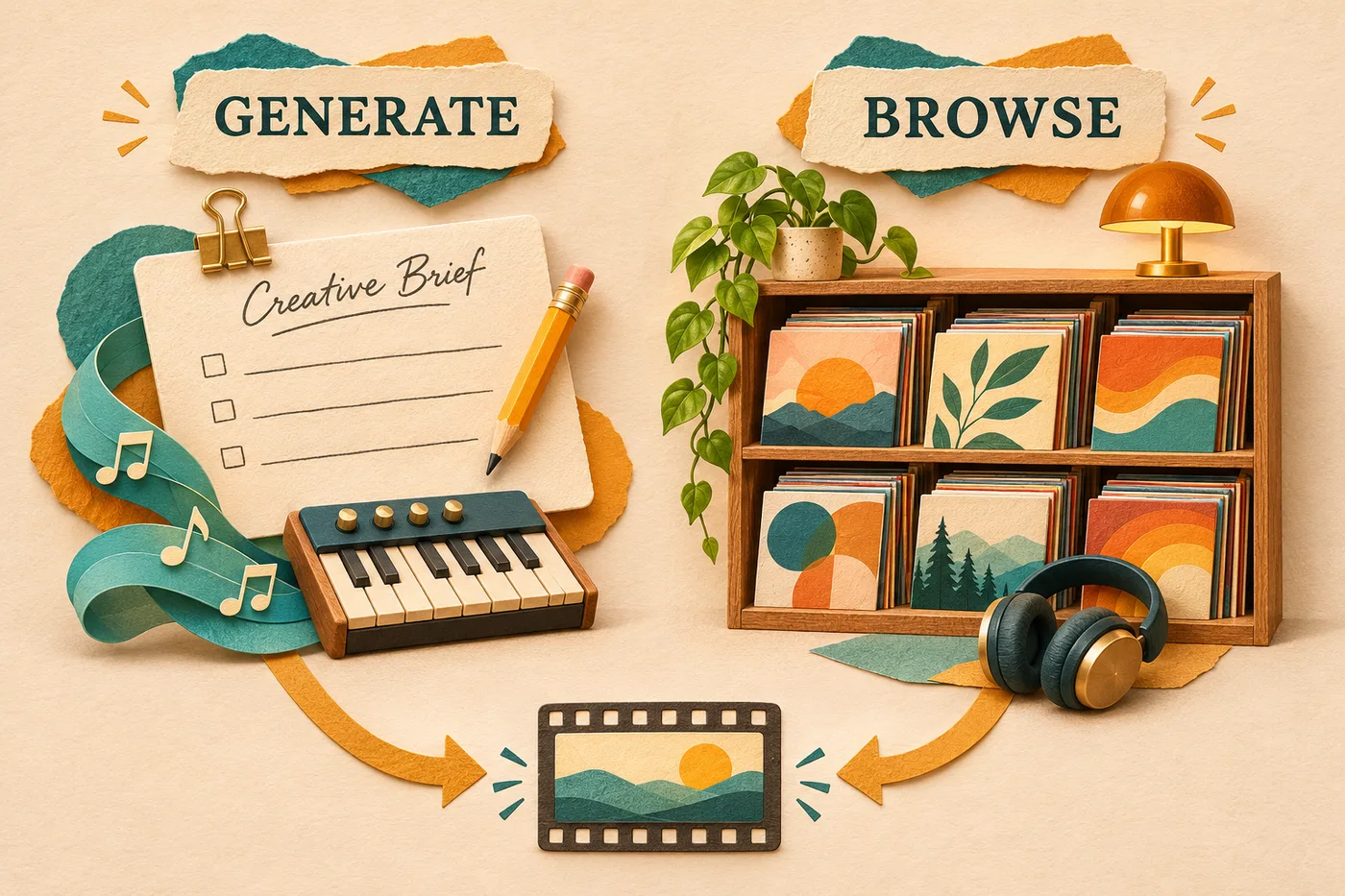
Original concept illustration of two soundtrack workflows. It is not a screenshot of either product or evidence of tested audio performance.
Compare both against the same video brief
Consider a 90-second cooking video with spoken instructions, a quick preparation sequence, and a quiet closing shot. You need music that supports the explanation without making the recipe feel rushed.
Write a short brief before opening either tool:
Warm, light instrumental music for a relaxed cooking video. Leave space for spoken instructions. Keep the energy steady during preparation and allow a gentle finish.
This is a selection brief, not a promise that either service will deliver an exact 90-second arrangement. The video length tells you what the edit needs; it does not establish the duration of a generated track or an existing recording.
Use the same acceptance questions for both routes:
- Can you understand the spoken instructions while the music plays?
- Does the music support the pace of the preparation sequence?
- Is there a usable section for the closing shot?
- Can you finish the edit without spending the whole session looking for a different cue?
These questions make the comparison practical. A track that sounds impressive on its own may still compete with the narration or pull the scene in the wrong emotional direction.
When YouTube Audio Library is the better starting point
Start with the library when the soundtrack can be selected from existing material. For our cooking example, you may have no need for a particular melody, sung message, or unusual combination of instruments. A recording that fits the scene may be enough.
YouTube's Audio Library guide describes filtering by characteristics such as mood, genre, and duration, previewing tracks, and downloading MP3 files. That makes it a useful route when you prefer listening to candidates before committing to one.
The creative work is selection. You are asking, “Which of these recordings supports this edit?” rather than asking a generator to interpret the brief. If a candidate works, there is no reason to generate a replacement simply because AI is available.
The limitation is also straightforward: a collection gives you choices among the material it contains. If none of the candidates captures the combination you need, more browsing may keep you busy without improving the edit. That is an editorial reason to consider generation, rather than evidence that the library has poor music.
For a deadline, set your own browsing limit. For example, spend ten minutes making a shortlist and then audition the strongest candidates with the narration. Ten minutes is a suggested working limit, not a claim about how quickly everyone will find a suitable track.
When Flow Music AI is the better starting point
Start with Flow Music AI when a written direction is more useful than a catalog search. Perhaps you want a gentle acoustic feel with a restrained rhythm, or you have prepared words for a sung opening. The generator lets you supply those intentions as input.
For the cooking-video brief, open the generator, choose Simple, and turn Instrumental on. Describe the musical role and the qualities that matter. If you need help translating a scene into a brief, the background music prompt guide provides examples.
Flow Music AI's advantage is the starting point: you can ask for a direction that has not yet been selected as a recording. The cost is uncertainty. You still need to hear what the request produces, decide whether it fits, and potentially revise the input.
The current form displays 10 Required Credits per request. Generation requires signing in with enough credits. Recheck the live estimate and your account before submitting; a request budget is not a guarantee of a matching finished cue. The credit-budget guide explains how to leave room for revisions.
Do not assume that requesting an exact duration, a seamless loop, or a particular ending guarantees that result. For the 90-second video, look for a usable musical section and evaluate it in your editor. The generator should not be treated as a substitute for checking the actual timeline.
If the first result is close, identify the mismatch before using another request. “The rhythm is too busy under the instructions” gives you a clearer revision goal than “make it better.” Keep a version worth using before exploring another direction.
Compare the whole session cost
The two routes use different resources. A library can keep the track-acquisition cost at zero while still taking time to search. A generator uses credits and also takes time to review. Neither is automatically the cheaper route for every editor.
For the cooking video, consider three situations:
| Your situation | Practical starting choice | Why |
|---|---|---|
| You already have a suitable library candidate | Keep and review that candidate | Starting another search or generation adds work without a defined need |
| You have a clear brief but no usable match | Try Flow Music AI within a fixed request budget | A new musical direction may be more useful than extending the same search |
| You cannot yet explain what feels wrong | Review the scene and narration first | More options will not resolve an undefined editing decision |
If you plan to buy Flow Music AI credits or a subscription, check the current plan details, billing period, and available balance. Use the generator's live cost when planning requests. Avoid treating a plan's advertised song count as the number of soundtracks you are certain to approve.
For repeated video work, record how you reached the final choice. A short note such as “library cue worked after one audition” or “second generated direction fitted the narration” is more useful for your next decision than assuming one method always wins. Those notes should reflect your actual session, not the illustrative examples in this article.
Check the track's use conditions before publishing
YouTube distinguishes attribution-required tracks from standard Audio Library tracks that do not require attribution. For Creative Commons selections, follow the provided credit instructions. Its Audio Library documentation also says YouTube Partner Program creators can monetize videos using library audio; that does not replace the other requirements for a channel or video.
For Flow Music AI, review the current plan and Terms of Service for your intended use. Check any lyrics or other material you supply as well. Generating a track is not a substitute for reviewing the conditions that apply to your project.
Keep a record with the final file: where it came from, the track or version you selected, and any required credit text. For use beyond YouTube, check the applicable terms rather than assuming that guidance for a YouTube upload resolves every other distribution scenario.
This section summarizes product documentation. It does not establish clearance for a particular track or project.
Finish with the video, not just the music player
Whichever route you choose, place the candidate under the actual edit before accepting it. Check the opening, the busiest spoken passage, the transition into the closing shot, and the ending. Adjust placement and level in your editor, then listen again.
For generated music, the download and MP3-check guide helps you save the intended version and inspect the file. For either source, keep the chosen file with the project so you know which version the edit uses.
Choose YouTube Audio Library when an existing recording is the most direct route to finishing. Choose Flow Music AI when you need to explore a described musical idea and can budget for review. If that second route fits your brief, open the music generator and start with one focused request.
Sources and scope: Flow Music AI's live generator, plan section, and Terms of Service; YouTube's official Audio Library and license documentation linked above. Checked November 5, 2026. No paid audio generation, comparative listening test, or publishing experiment was performed.