

How to Make a Personalized Birthday Song With Flow Music AI
A personalized birthday song works best when the recipient can recognize a shared moment in the words. Pick two memories, write a short chorus around the person’s name, and use Custom mode in Flow Music AI to turn those lyrics into a song. Before you share it, listen for the name, the phrasing and the tone of the gift.
Choose two details the recipient will recognize
Start with a small memory, something they do, and a wish for the year ahead. For example, imagine a birthday song for Maya, a friend who brings tea on rainy walks and always wants to see the sea. The rain and the tea give the verse a scene. The sea gives the chorus somewhere to go.
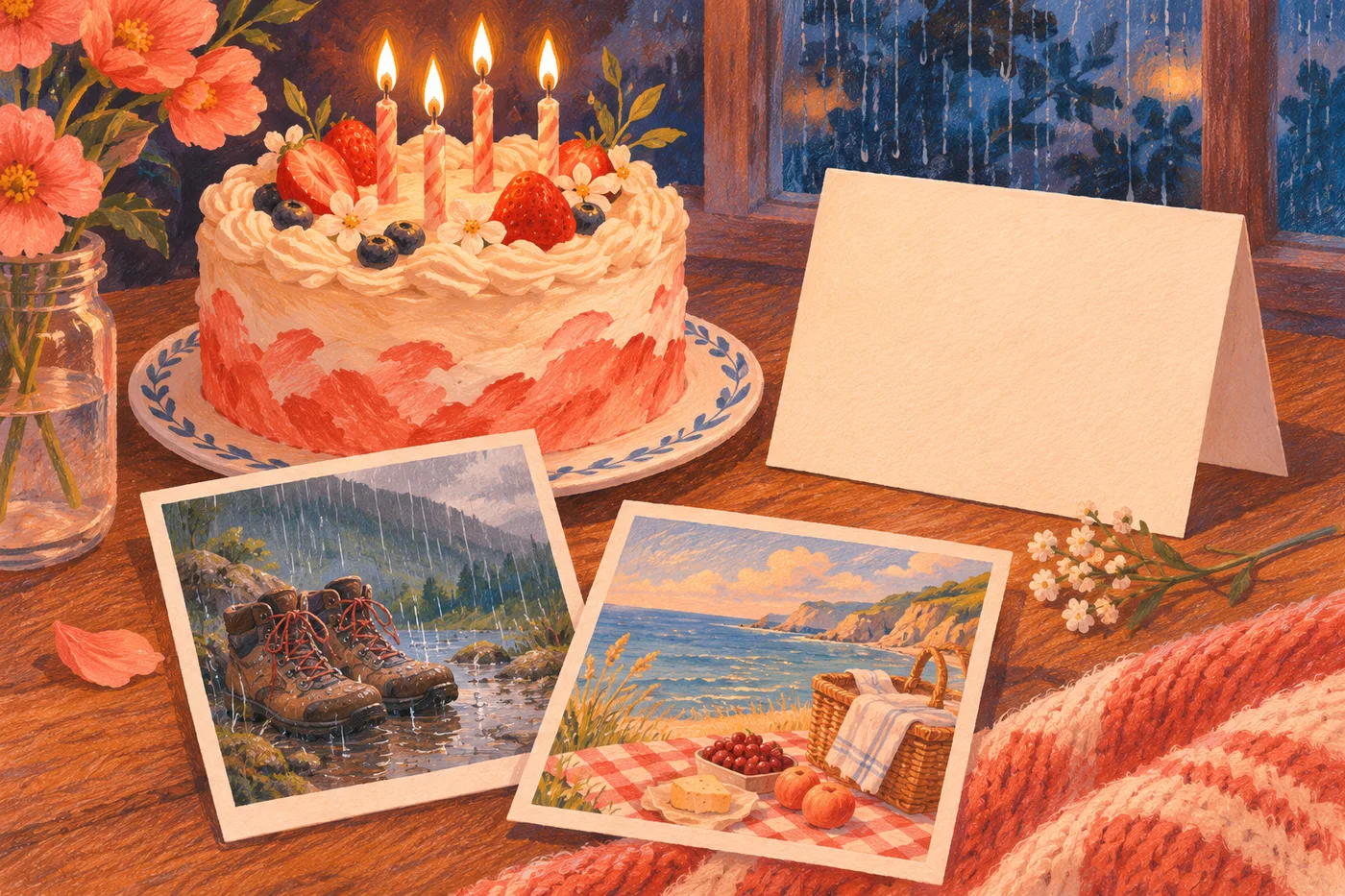
Choose details that fit the room where you will play the song. A private joke might work in a message between friends, while a family gathering may call for something everyone can follow. A line about a memorable day often says more than a list of compliments. If you have six stories, save four for the card and give the song space to repeat its main idea.
Write a verse and a chorus that fit in a breath
Here is an original lyric you can adapt. Read it aloud once before generating. Any line that makes you hurry deserves a second look.
[Verse]
You packed the tea when skies turned gray
We took the longer road that day
You found the sea beyond the rain
And said we'd come this way again

[Chorus]
Maya, here's to open skies
To little plans and big surprises
One more year, one more song
There's a place for you where we belong
The verse gives the listener a picture. The chorus names the person and turns toward a birthday wish. You can replace the rainy walk with a late bus, a first apartment or a shared meal, then adjust the surrounding words so they still sound natural. A name can fit more easily at the beginning of its own phrase than inside a crowded sentence.
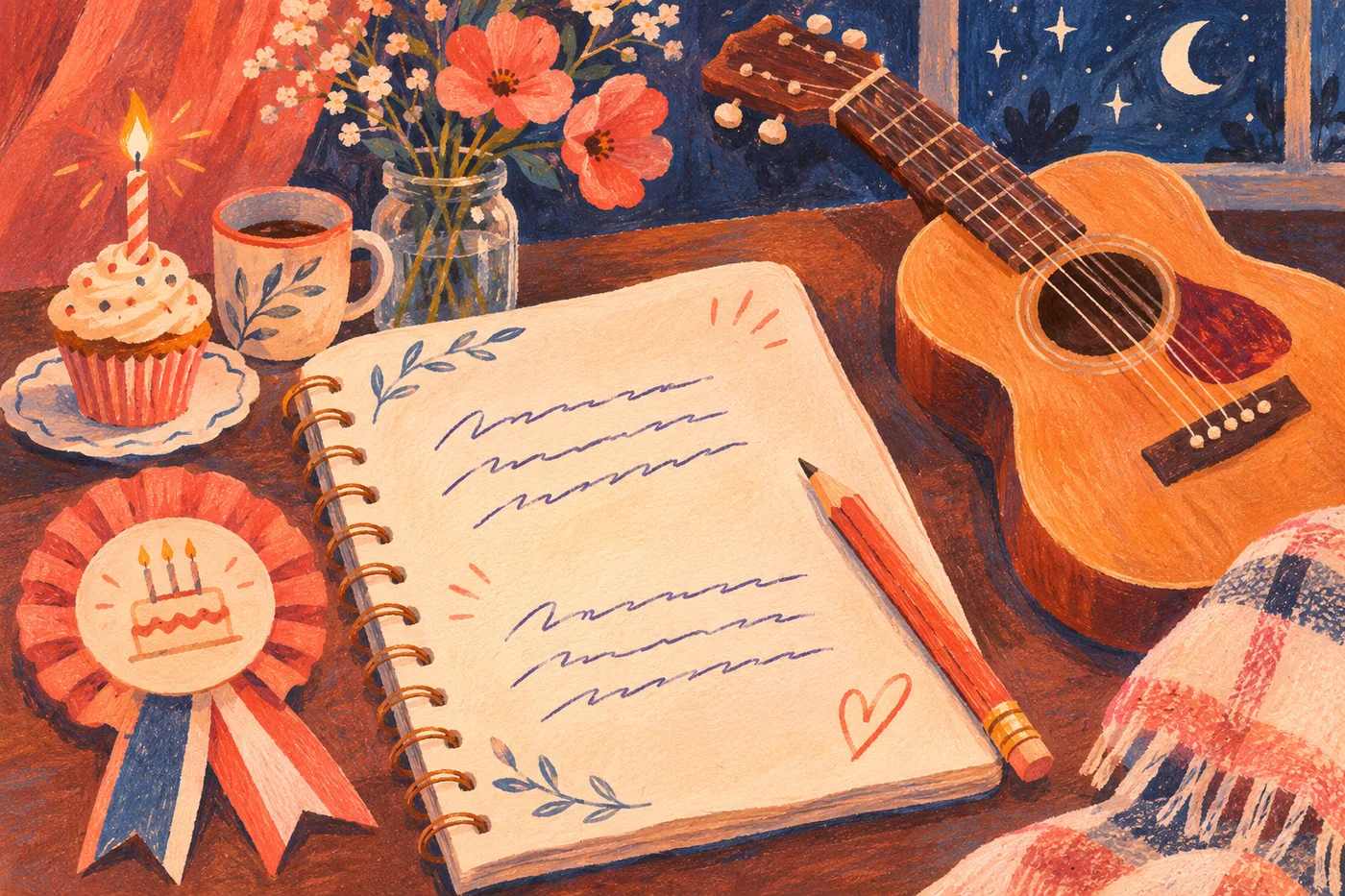
If you want a second verse, add one new memory and return to the same chorus. Keep the words you most want the recipient to hear in that returning section.
Put the words and musical direction into Custom
Open the Flow Music AI music generator, choose Custom, and keep Instrumental off. Give the song a title, paste the verse and chorus into Lyrics, and put the musical direction into Styles. For this example, try:
Warm acoustic pop birthday song, gentle lead vocal, clear words, light guitar and brushed drums. Intimate verse, brighter chorus, affectionate and relaxed delivery.
Choose a delivery the recipient would enjoy. A quiet performance may suit a personal message, while a fuller chorus can suit a party. The vocal prompt guide explains how to describe that delivery.
The default V5 form displayed 10 Required Credits when checked on November 18, 2026. Review the lyric and the live cost before selecting Generate Music.
Check the name before you send the gift
Listen through the whole result with the lyric in front of you. Start with the name. If it is unclear, try a simpler surrounding line or a pronunciation spelling in a copy of the lyrics. Listen to the next result before accepting the change. The spelling may also affect how the model sings the phrase.

If a line sounds rushed, shorten it. If the voice is hard to follow, ask for a sparser arrangement and clear lead vocal. Keep a version you like before revising, because another generation can change the performance across the song.
Finally, download the finished track and play it on the phone or speaker you will use. Check the opening volume and make sure the full file is ready before the gathering. For paid or commercial use, review your plan and the Flow Music AI terms.
The lyric is an original writing example. Generator controls and linked product information were checked November 18, 2026.